Halloween · AI portraits
AI Halloween Photo: 6 Costume Ideas You Can Try on Your Selfie
Quick answerTo make an AI Halloween photo, upload one clear, front-facing selfie to an AI portrait app such as Spooky Portraits, pick a costume style (sugar skull, vampire, witch, zombie, skeleton or ghost) and get a watermarked preview in about 10 seconds. It is a quick way to test costume ideas on your own face; the HD download is USD $2.99.
Six AI Halloween costume ideas from one selfie
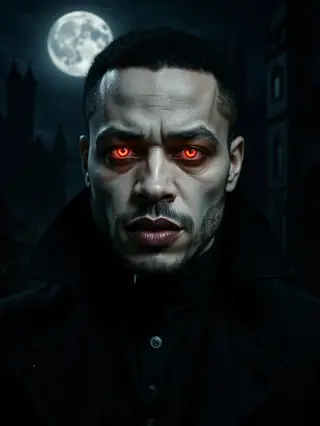
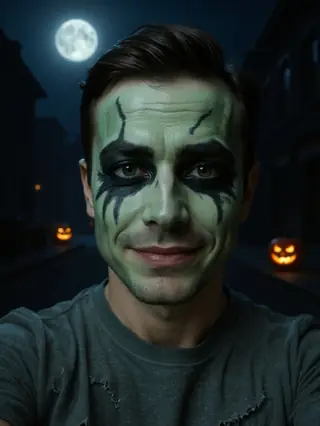
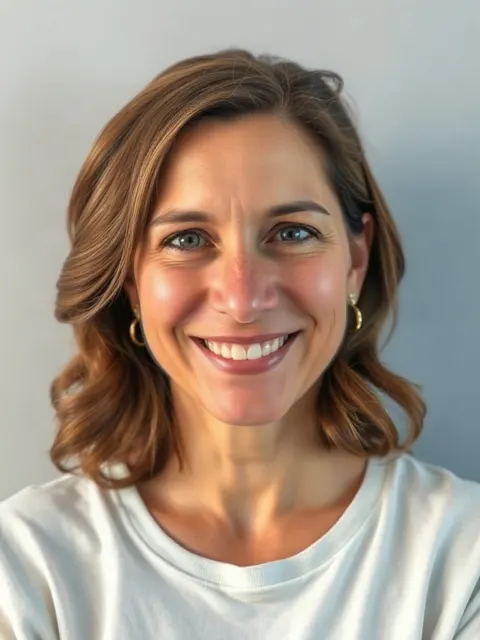
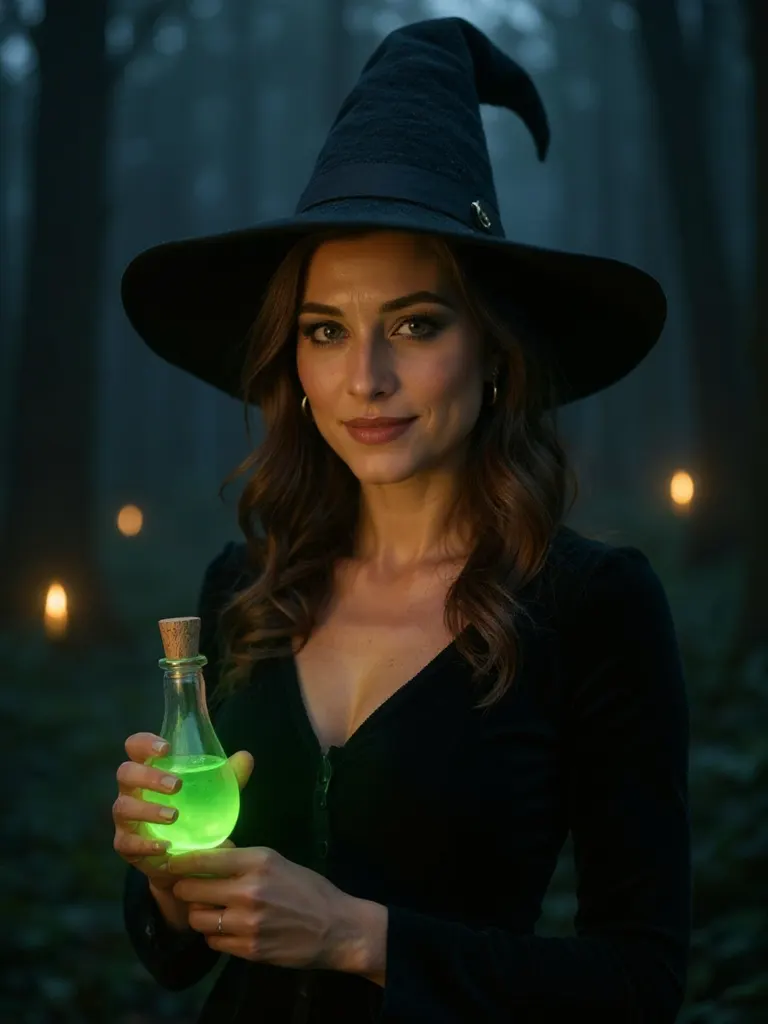
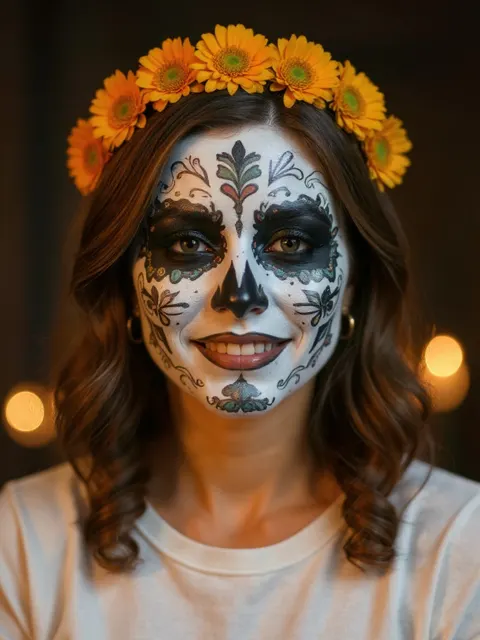
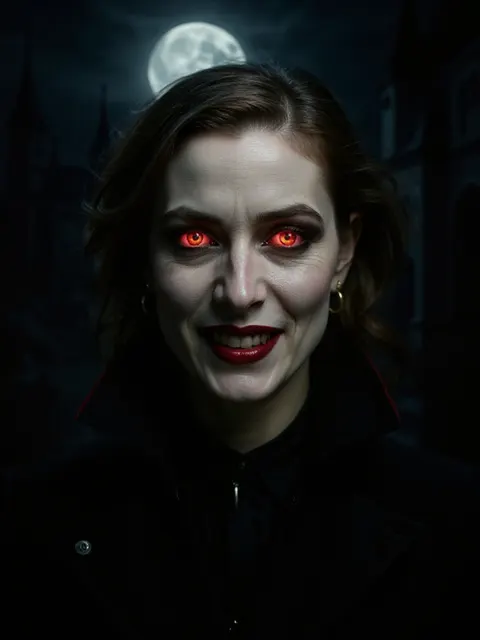
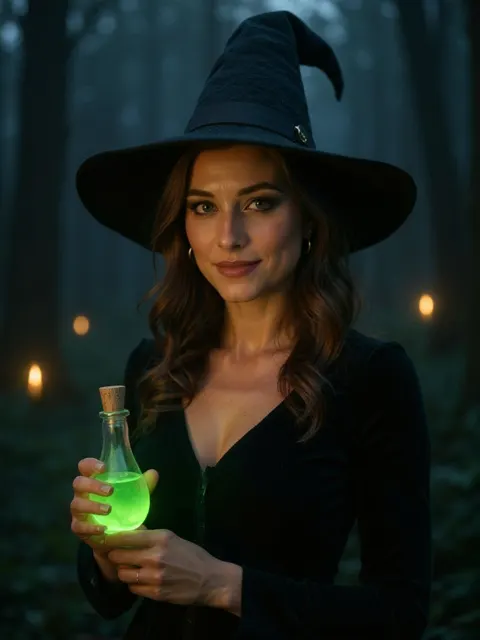
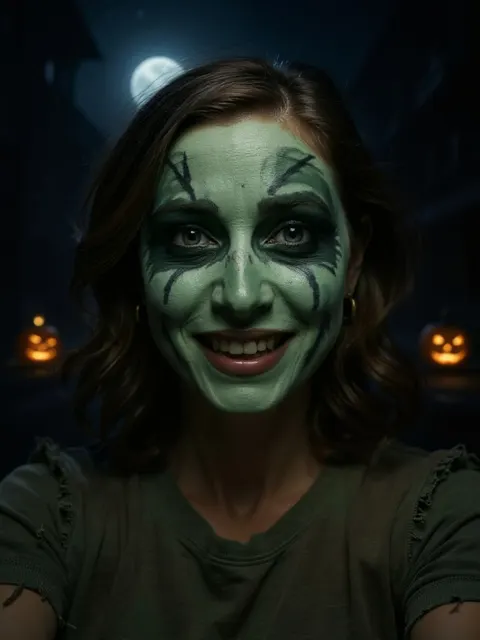
Below is the same AI-generated person in all six styles the app offers. Each image came from one plain selfie, processed by the same pipeline the app uses. They are examples of synthetic people, not customer photos.
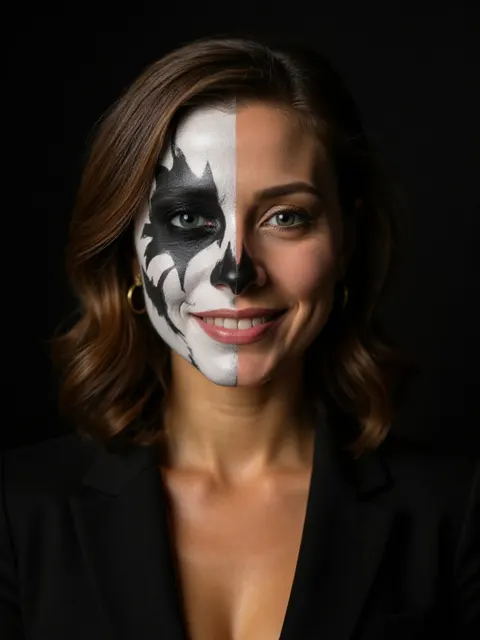
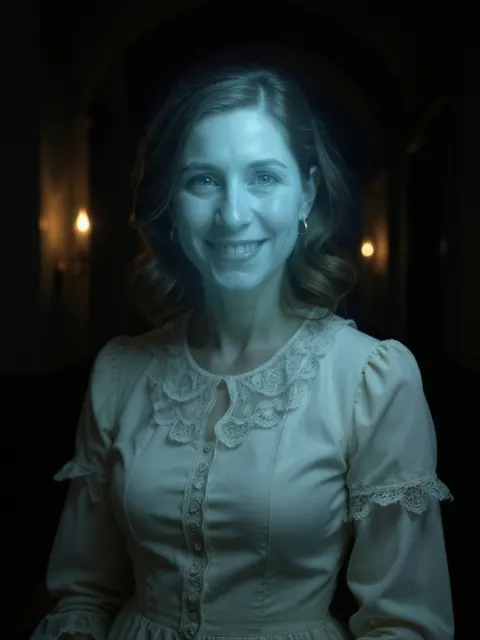
Which style should you pick?
| Style | Vibe | Good for | Recreate it in real life |
|---|---|---|---|
| Sugar Skull | Colorful, festive, respectful | Día de Muertos posts, profile pictures | Sugar skull tutorial |
| Vampire | Dark, elegant, dramatic | Moody portraits, party invites | Vampire makeup guide |
| Witch | Mystical, cinematic | Halloween cards, group themes | Pointed hat, dark lip, smoky eyes |
| Zombie | Fun, a little gross | Funny posts, family-friendly feeds | Easy zombie makeup |
| Skeleton Glam | Graphic, striking | High-contrast portraits | Half-face skull with white and black paint |
| Ghost | Eerie, soft, vintage | Story posts, spooky aesthetics | Pale base, blue-grey shadows, white lace |
How to make your AI Halloween photo
- Take or choose a selfieUse a recent, front-facing photo of just you, in even light, without sunglasses or heavy filters.
- Open the app and accept the termsOpen Spooky Portraits in your browser, confirm you are 18+ and that the photo is yours, and upload it. No account is needed.
- Pick a costume styleChoose Sugar Skull, Vampire, Witch, Zombie, Skeleton Glam or Ghost.
- Get your free previewIn about 10 seconds you get a watermarked preview. You get 2 free previews per day.
- Download or shareDownload or share the preview, or unlock the clean HD version: USD $2.99 for one style or USD $6.99 for all six.
Tips for a selfie that works
- Face the camera. Front-facing or a slight angle works better than a strong profile.
- Use soft, even light. A window in daylight beats an overhead bulb; avoid strong shadows across half the face.
- Just you. One face per photo. Group photos are rejected.
- Nothing covering your face. Remove sunglasses, masks and big hats; hair away from the eyes helps.
- No heavy beauty filters. Filters that reshape the face make it harder for the model to keep your features.
- Sharp, not tiny. A recent photo straight from your camera is better than a cropped screenshot.
What it costs
| Option | Price (USD) | What you get |
|---|---|---|
| Preview | Free | Watermarked image, 2 per day, no signup |
| One style in HD | $2.99 | Clean HD download of the style you previewed |
| All 6 styles in HD | $6.99 | All six styles in HD from the same selfie |
Prices are in USD only; your bank may apply its own exchange rate. Because delivery is digital and instant, refunds apply to technical failures (see the Refund Policy).
Privacy and who can use it
Spooky Portraits is for adults 18+ using their own photo. Selfies are not stored or used to train AI; images are resized and stripped of metadata, and requests go to the AI provider with request history disabled. Photos that may show minors, several people or public figures are rejected automatically. Read the full Privacy Notice.
From AI photo to real costume
An AI portrait is a fast way to test a look before you buy paint, fangs or a hat. Once you have picked a favorite, the guides on this site walk you through the real-life version: a vampire look, easy zombie makeup or a sugar skull. Or skip the paint and post the portrait.
Frequently asked questions
Is there a free AI Halloween photo app?
Spooky Portraits gives you a free watermarked preview, up to 2 per day, with no signup. The clean HD download costs USD $2.99 for one style or USD $6.99 for all six styles.
Will the AI portrait still look like me?
The app uses an image-editing model instructed to keep your face shape, eyes, expression and pose and to change only makeup, wardrobe and background. Results vary with the photo; a sharp, well-lit, front-facing selfie works best.
Is my selfie stored or used for training?
No. Selfies are not stored or used to train AI. Images are resized and stripped of metadata before processing, and paid HD portraits are kept encrypted for 24 hours so you can download them again, then deleted.
Can I use a photo of my friend or my child?
No. The app is for adults 18+ using their own photo, or a photo of another adult who agreed to it. Photos that may show minors, several people or public figures are rejected automatically.
Can I use the portrait as a costume reference?
Yes. You can use the preview to decide on a costume or to show a makeup artist what you want. Our makeup guides explain how to recreate each look in real life.